


Want to check out our initial impression of Rune Factory 5? See our original review here!
Controller Support and Adjustability
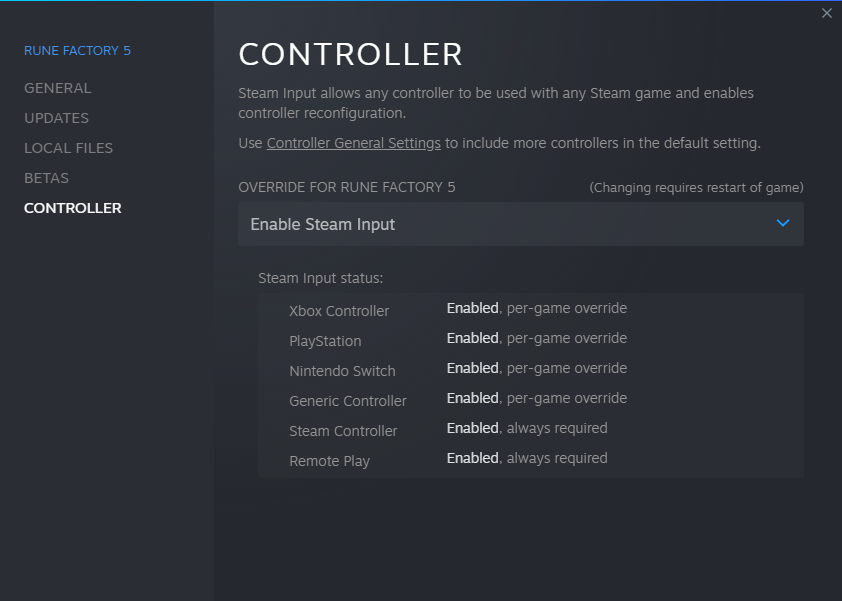
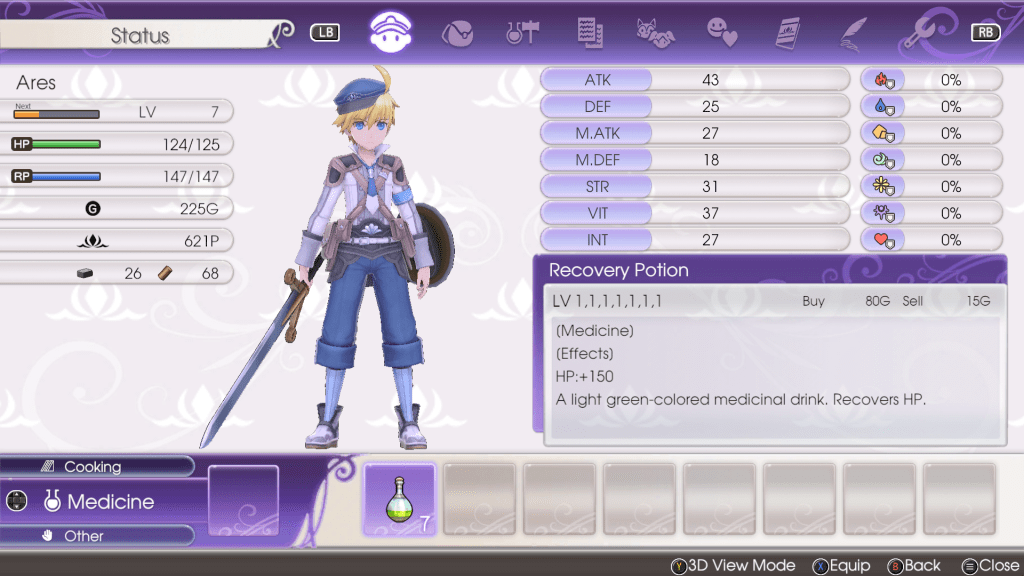
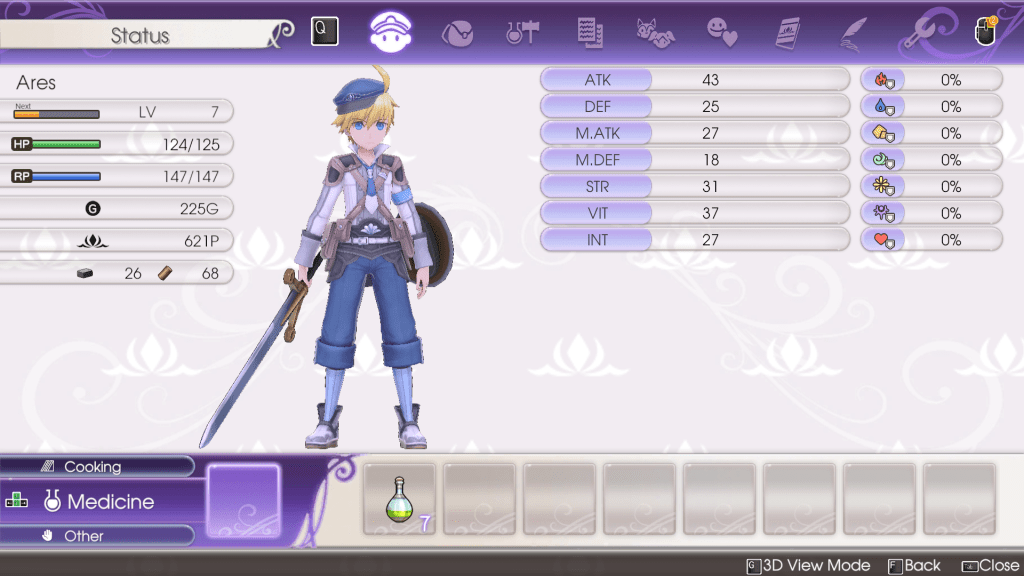
Similar to previous PC releases, Rune Factory 5 has keyboard and mouse controls along with Xbox, PlayStation, Nintendo Switch, Steam Deck, and Generic Controller support! This of course comes with the ability to edit the settings to your liking using controller settings on Steam.
Rune Factory 5 Launcher
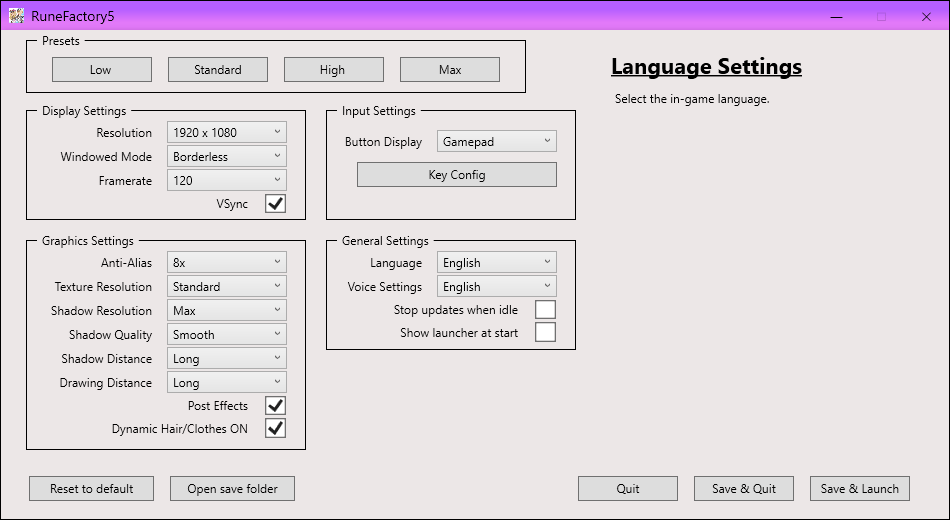
The game comes with a launcher that lets you either use the presets listed, or allows you customize the settings to your own preferences as seen below. These options will enable users to tune each graphic option to their specific needs, change the language of the game, or switch between the Japanese and English dub.
Steam Bonuses
Achievement hunters rejoice! There are a total of 47 achievements throughout the game, and a total of 13 trading cards!
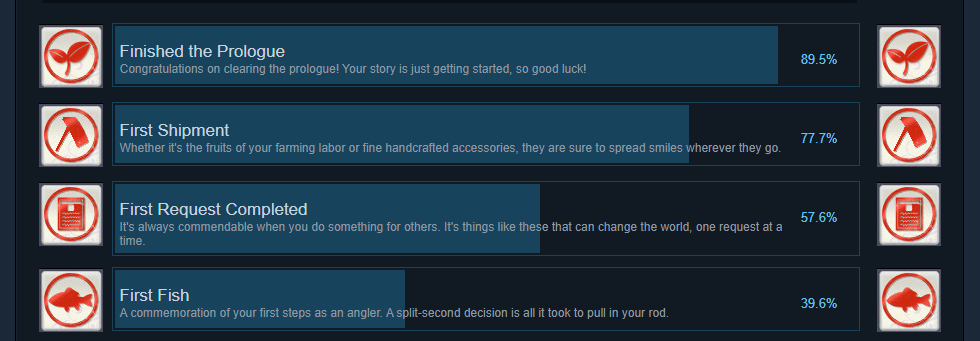

Lucy is winning…again!
Newbie to Rune Factory 5 Experience
| PC SPECS |
|---|
| CPU: AMD Ryzen 7-Series 3700X GPU: NVIDIA GeForce RTX 3060 Memory: 16GB Graphics: NVIDIA GeForce RTX 2060 |
My computer exceeds the minimum requirements, so I was able to run the game very smoothly on 120 fps with no lag during game play! There is a tiny bit of lag when I first boot up, but I think this is my PC catching up to the game and the rest of the game runs absolutely smooth!
Switch to PC
| SWITCH SPECS | PC SPECS |
|---|---|
| Model: Original Nintendo Switch (2017) HAC-001 | CPU: AMD Ryzen 7-Series 3700X GPU: NVIDIA GeForce RTX 2060 Memory: 16GB Graphics: NVIDIA GeForce RTX 2060 |
There is a startling contrast of detail in visuals between the two platforms. For the sake of testing, all graphic settings were set to max when evaluating the two side-by-side. There were many details in-game that initially were overlooked due to the lack of focus on individual objects, probably due to graphics generally lacking on the Switch. With details being more prominent in objects and textures enhanced, it really adds to the overall beauty of the game. Where Switch often added a bright glow to surroundings, the addition to visuals on PC makes sense of the iridescent luminosity of objects so it doesn’t look out of place in some areas.
A well-known issue with RF5 was lag, which can be resolved on PC due to the ability to adjust settings for ease of play. Adjusting the graphics can also shorten load times in-game, which was something that wasn’t possible until patches were released on Switch that addressed lag. When settings are adjusted to work optimally with whatever set up the player is utilizing, the seconds-long lag in using some weapon groups can be shortened, which is at times a life-saving feature. On Switch, the instant knockouts existing in some monsters’ skill sets, and the use of weapon groups such as long sword, axe and hammer were extremely frustrating at times due to the slowdown.
Comparison Images
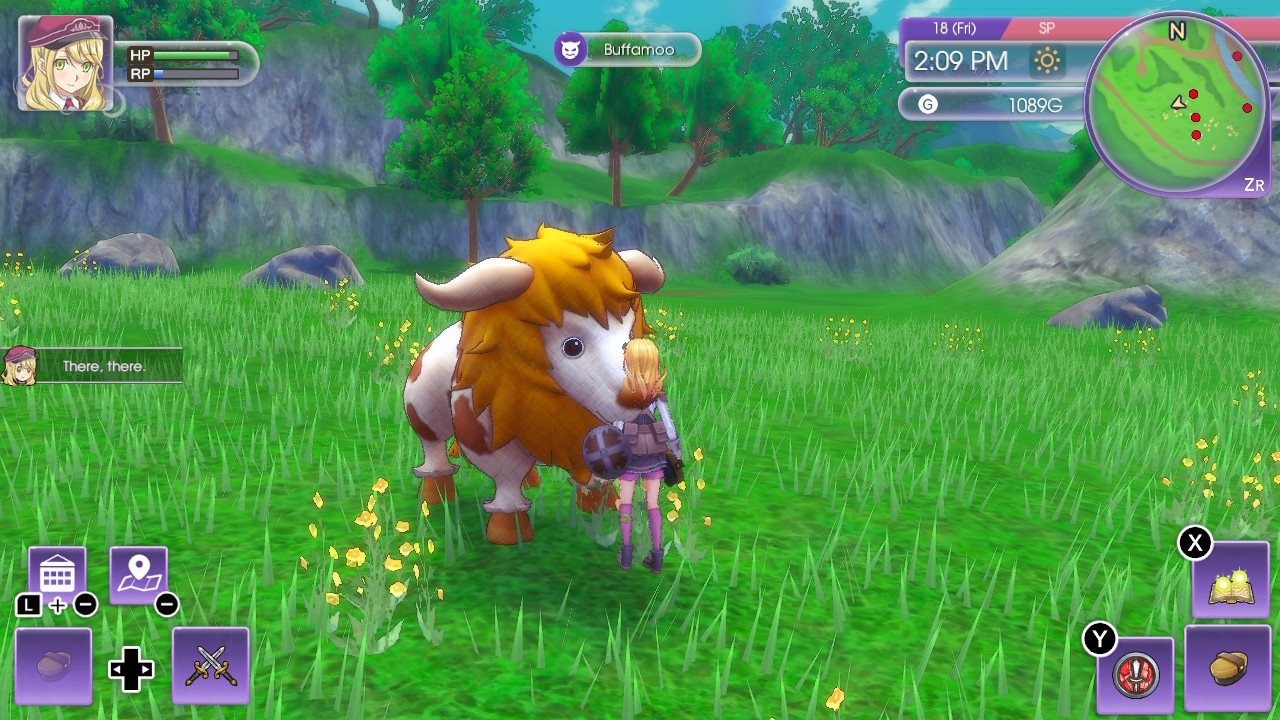

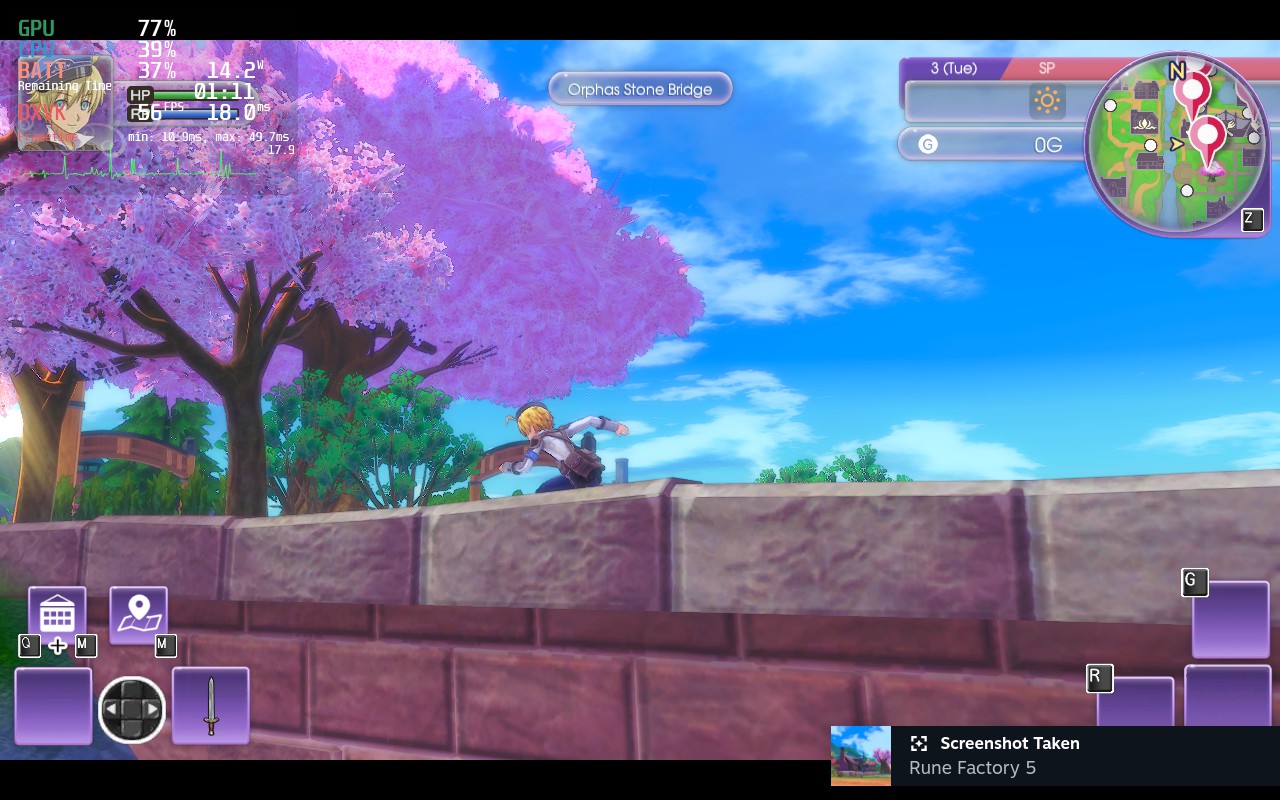
Rune Factory 5 on Steam Deck
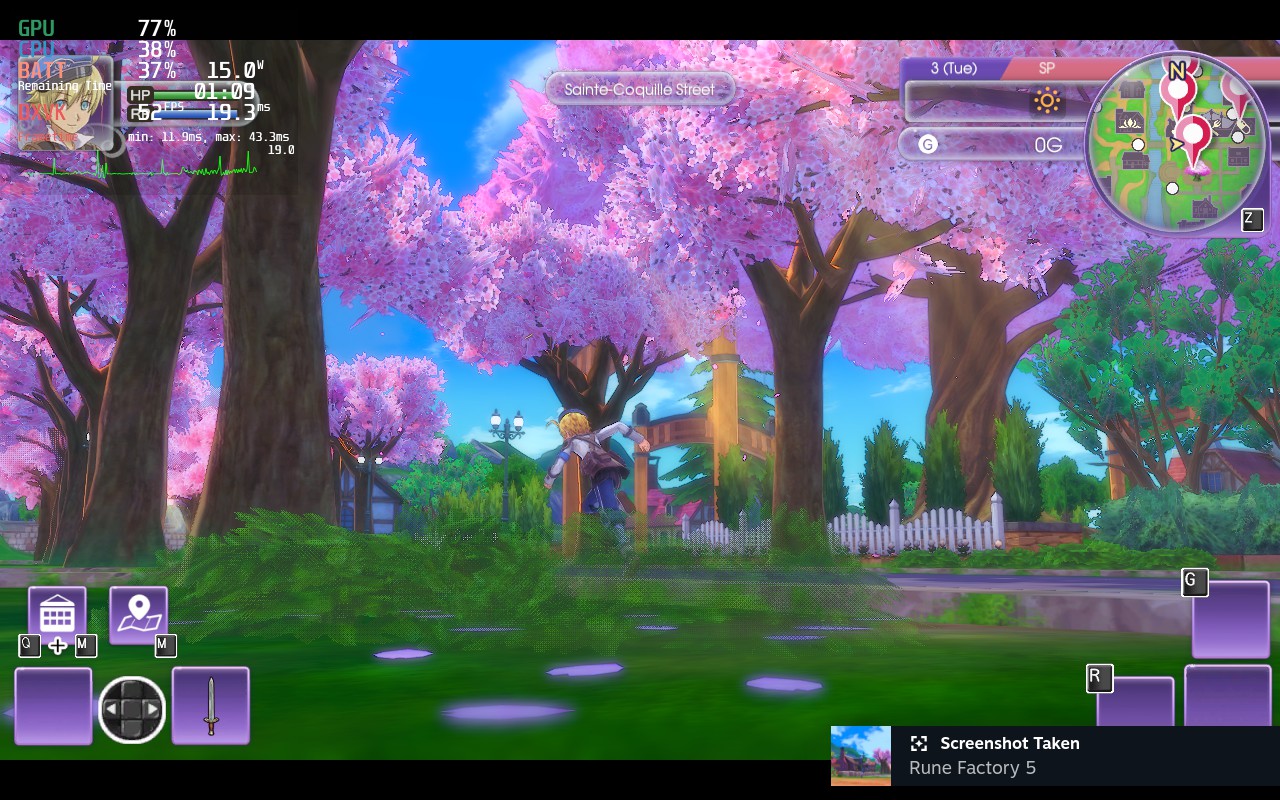
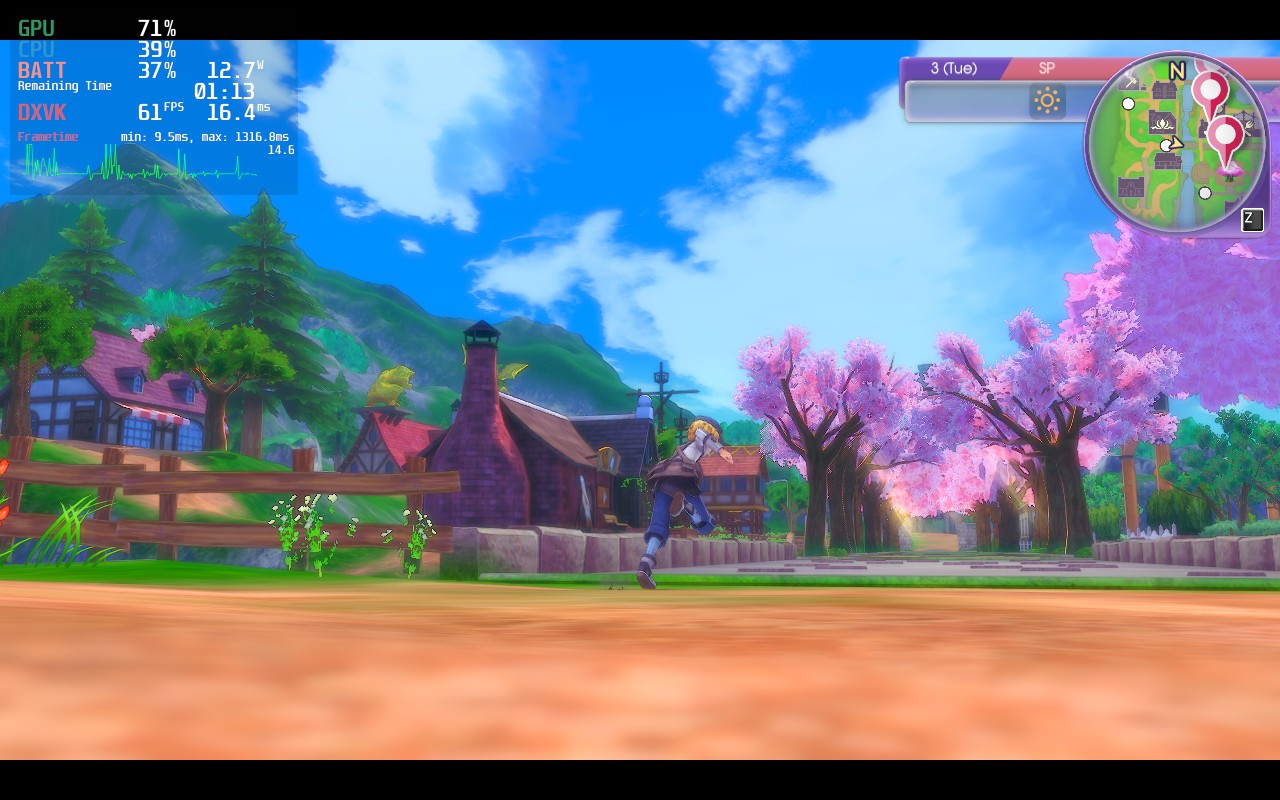
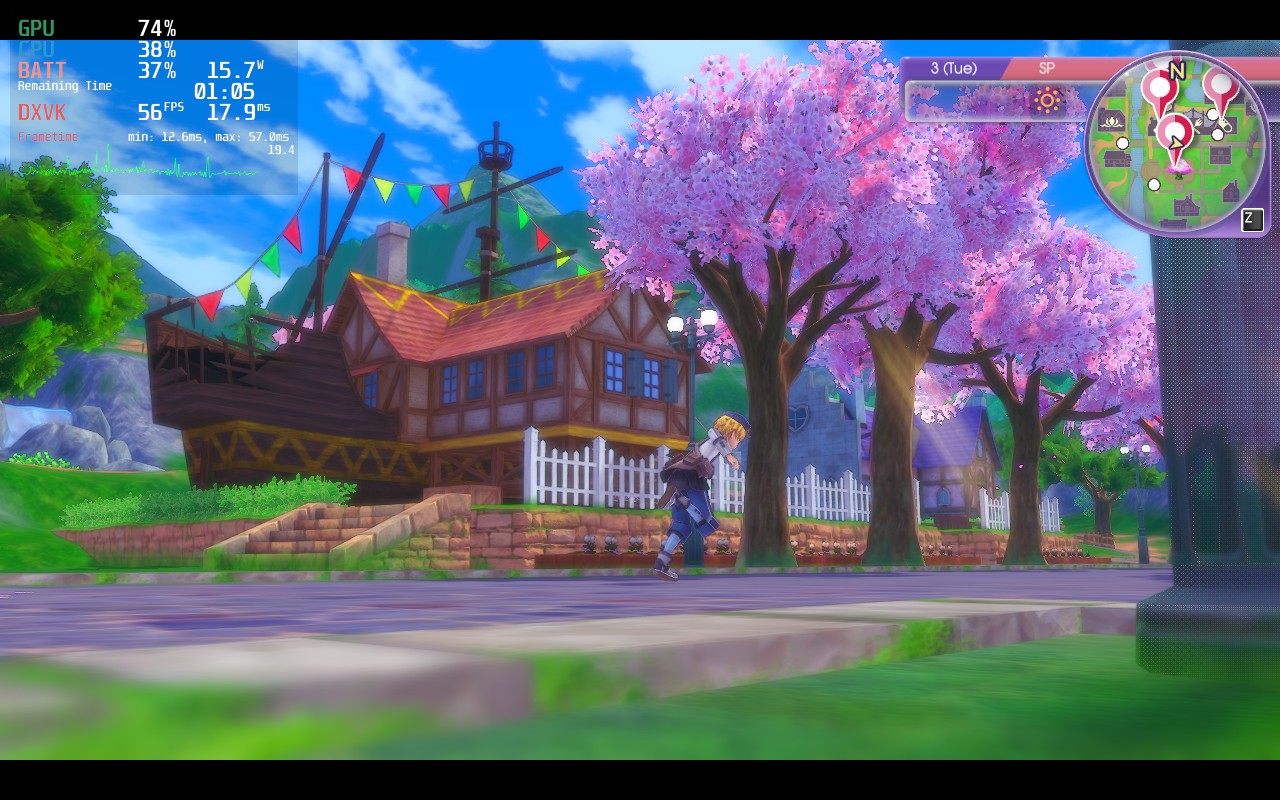
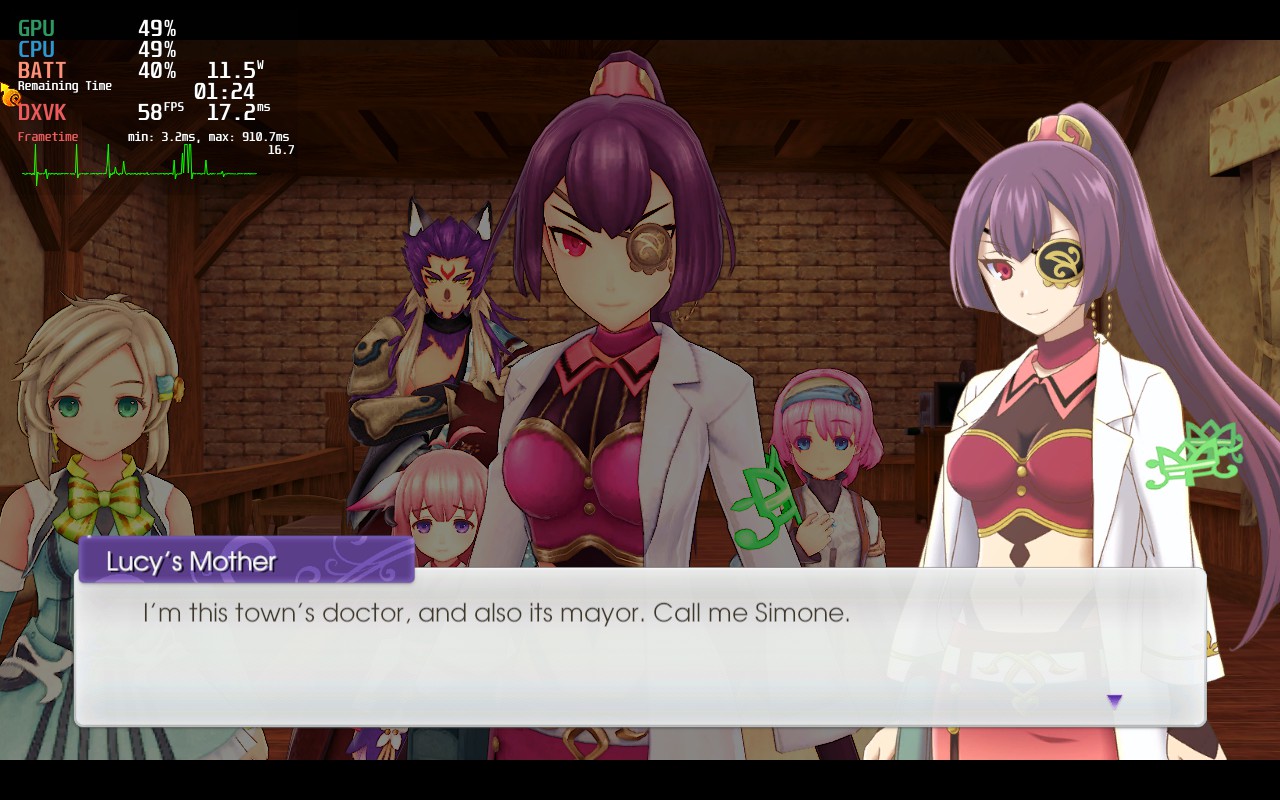
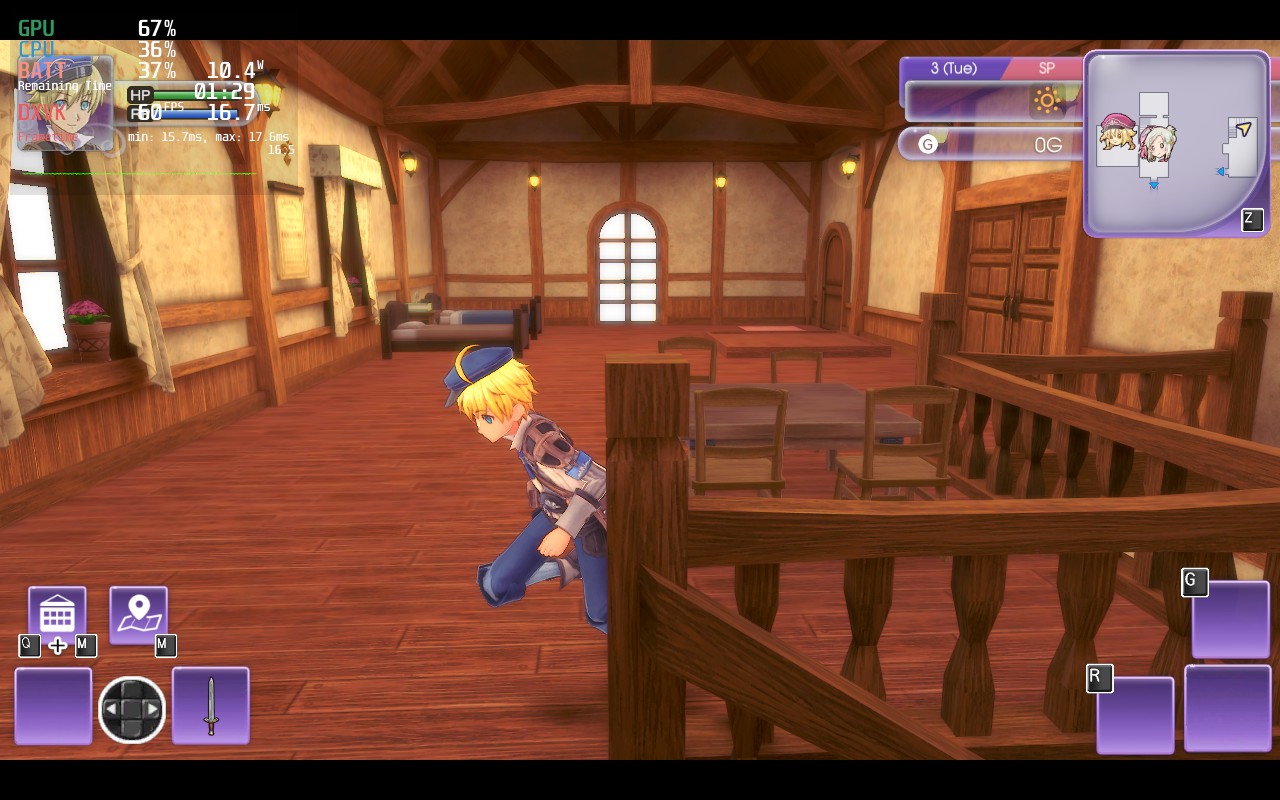
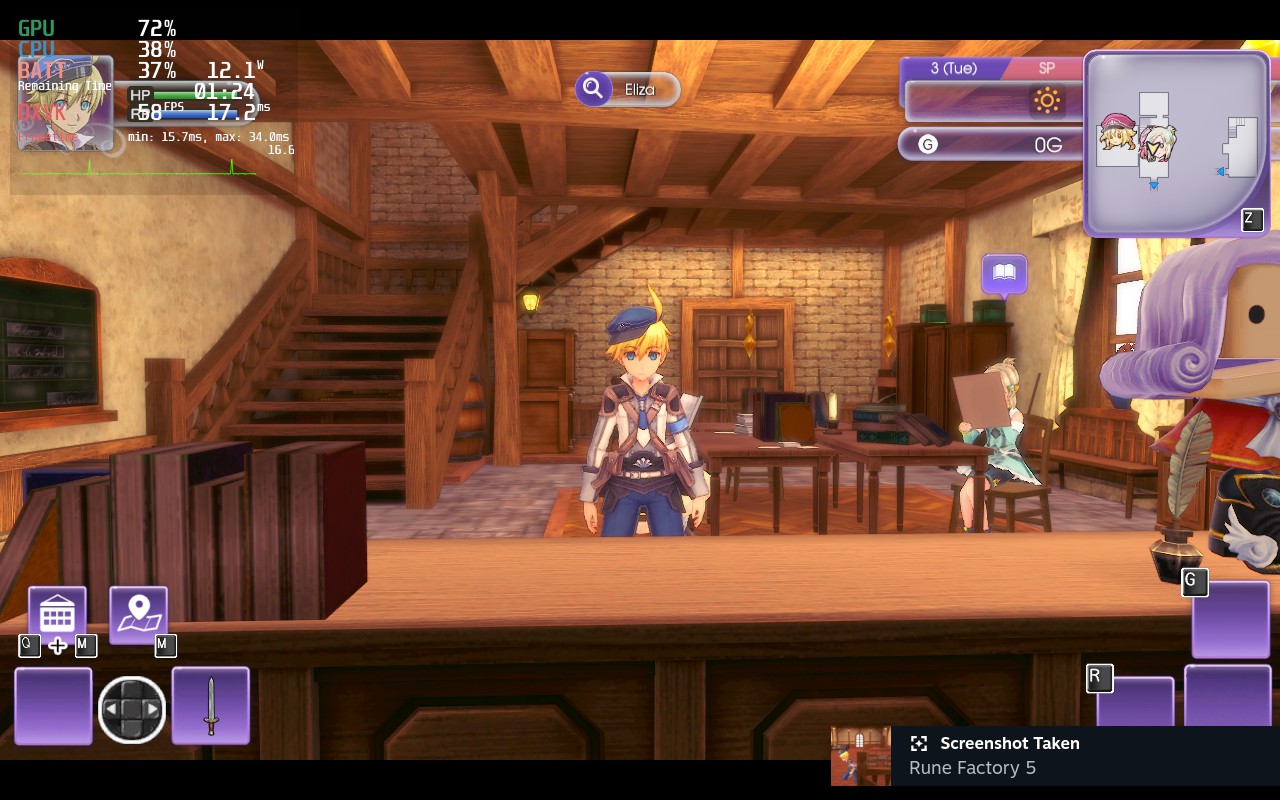
After installing Proton GE, Rune Factory 5 performed beautifully on Steam Deck. Check out the gallery below!
Final Thoughts
After we discussed both new and old impressions of Rune Factory 5, we decided to bring the score up to 8.0 Golden Turnips. Had the improvements been across platforms, we would have fallen on 8.5 Golden Turnips. However despite the patches with 1.0.2, Rune Factory 5 on Switch still has some issues with loading and glitches which need to be resolved. Nevertheless, this release on Steam should definitely interest all fans and newcomers alike- it definitely delivers on entertainment and that magical Rune Factory charm.
Check out our preview of Rune Factory 5 on Steam!
Disclosure Notice: One of Ranch Story’s collaborative reviewers who worked on this review, Chickee, is also a moderator in XSEED’s official Discord.
Review codes provided to Ranch Story staff by XSEED and Marvelous Europe.
 Ranchstory News Blog