

One of the major benefits of remakes is allowing people who missed playing a game when it first released a chance to experience its charm and story. This especially rings true for Story of Seasons: A Wonderful Life (SOS:AWL), a remake of A Wonderful Life (AWL) which is considered one of the most unique entries in the series. The passage of time playing a key role, hybrid crop systems and growing your family are just a few of the features that get a heavier focus here then any other game. This re-telling of AWL gives newcomers an amazing chance to see why so many people consider it to be one of the best in the series.
Storyline:
The premise is tried and true: you’re a young adult who decides to move out of the city for a simpler life, you return to your father’s farm and are greeted by Takakura who shares your future farmland. You’re given a quick introduction to the village, its residents, and your farm then you’re off the races, and this is where things get truly unique!
The game is structured into chapters (each spanning a year) that encompass milestones in your farmers life with events to explore this passage of time. You’ll find yourself getting married, starting a family, raising your child and running your farm as your farmer grows as you play. There’s so many little changes that can occur with the events you see and how your child grows each time you play that you’ll find yourself wanting to do multiple playthroughs to see how the slightest changes in how you handle each day can affect your experience.
This approach to story in a farming sim style game is something truly unique for new players providing a level of attachment to your virtual family that you don’t typically get when they eventually stop growing as time goes on.
Gameplay:
As mentioned before the game is split into year long segments each with 4 seasons lasting 10 days. This may seem like it’s a very tight limit on how much you can do compared to other games in the genre however everything is balanced out in such a way that you don’t feel overwhelmed. Crops have been sped up to grow in just a few days, you can cross the whole valley with plenty of time to get to your next objective and with a little planning you should be able to get all the farming and events you want.
Speaking of farming, both crop and animal management is in top form this entry. The appearance of crops are absolutely beautiful with each stage being unique and watering has an extremely helpful auto lock mechanic that makes watering a large amount of crops a breeze even at early levels.
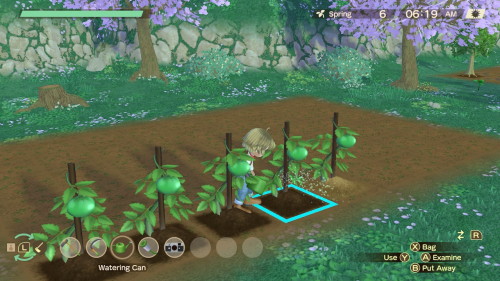
Then there’s the hybrid seed mechanic, this allows you to mix and match seeds to make real world and mystical crop creations all your own. As for the animal’s, you’ll start the game off with a single cow and even that one starter animal will give you an idea of the attention to details added to animal tending. Having just given birth your cow will produce more milk for a while and things like summer will reduce milk output meaning you’ll have to plan around the changes in income from your animals being affected by events happening to and around them. The products you grow and collect from animals can then be used for cooking.
Cooking in this game is available from the start and is vital for letting you both get the most out of your days and developing relationships. Your starting home has a kitchen where you can make simple soups and salads with your repertoire of options growing as you progress, a daily visit to the friendly sprites can help reduce the risks of experimentation by giving you new recipes. Even the earliest items have their usages and are worth trying to give to villagers. In my playthrough I found this worked especially well with the bachelorettes as you can find some favorite gifting options very early on.
There are also several mini-games scattered throughout the valley that are great for providing variety to your day, things like a Territory minigame run by Charlie
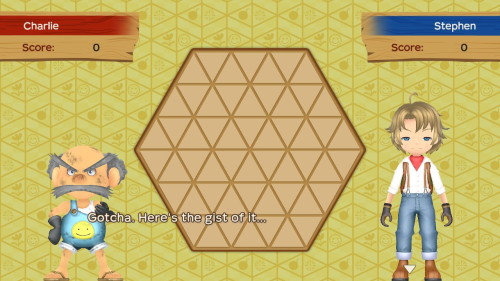
and the digging minigame found at the excavation site. When I found myself looking for something to do I would run up to the excavation site to try and squeeze in a few digs just to see what I could find (as long as Carter didn’t walk exactly where I was trying to dig).
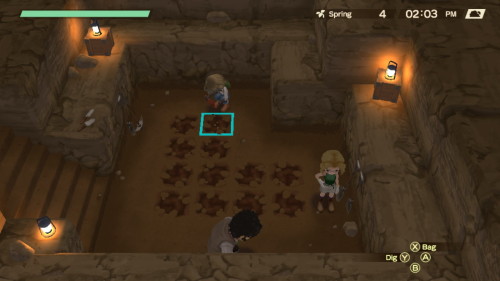
Overall considering all of the above I found the gameplay loop to be very satisfying and rewarding with plenty to do in each game day and an easy way to advance time and get some very satisfying easter egg text by taking a trip out of the valley if you ever find yourself needing to wait around
Music & Graphics:
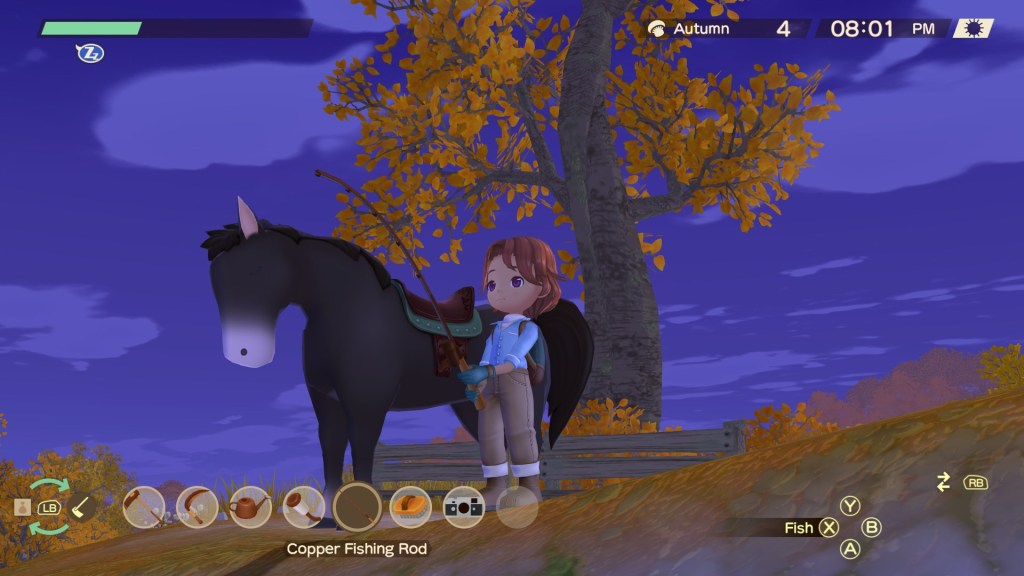
The graphics and sounds in SOS:AWL is one area where it truly shines, the frame rate was consistently stable on the switch and as mentioned before some of the best looking crops in the series.
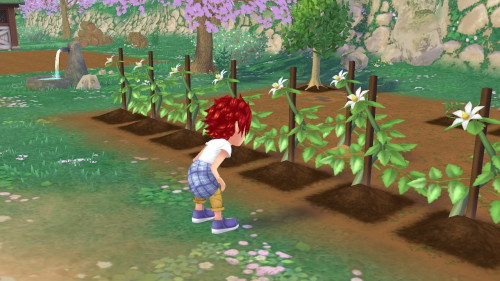
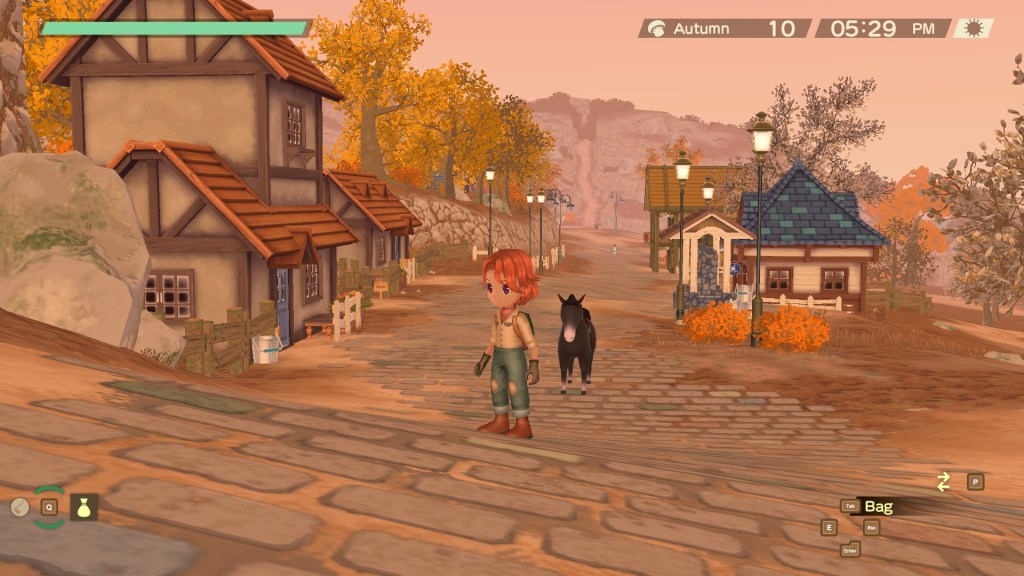
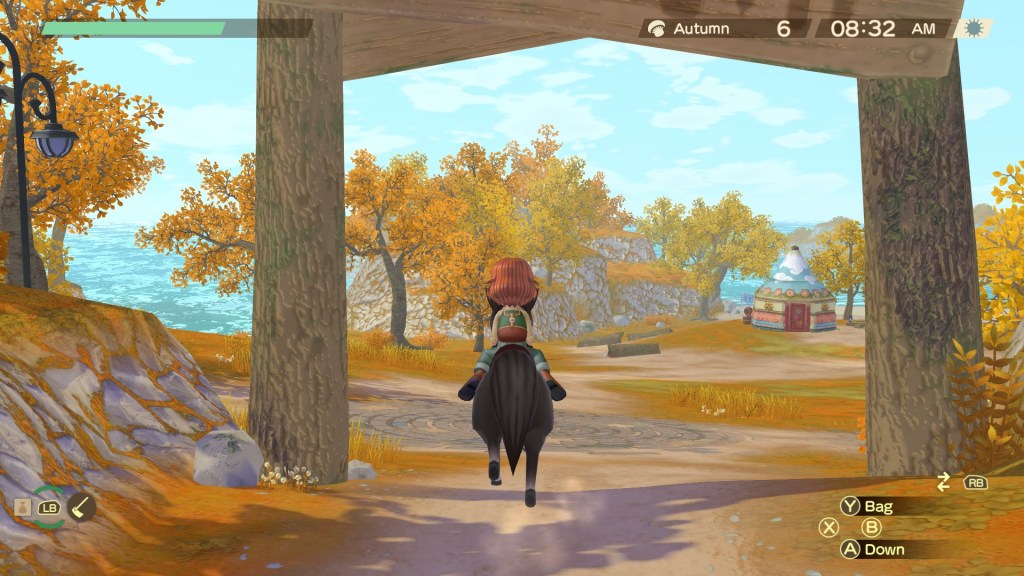
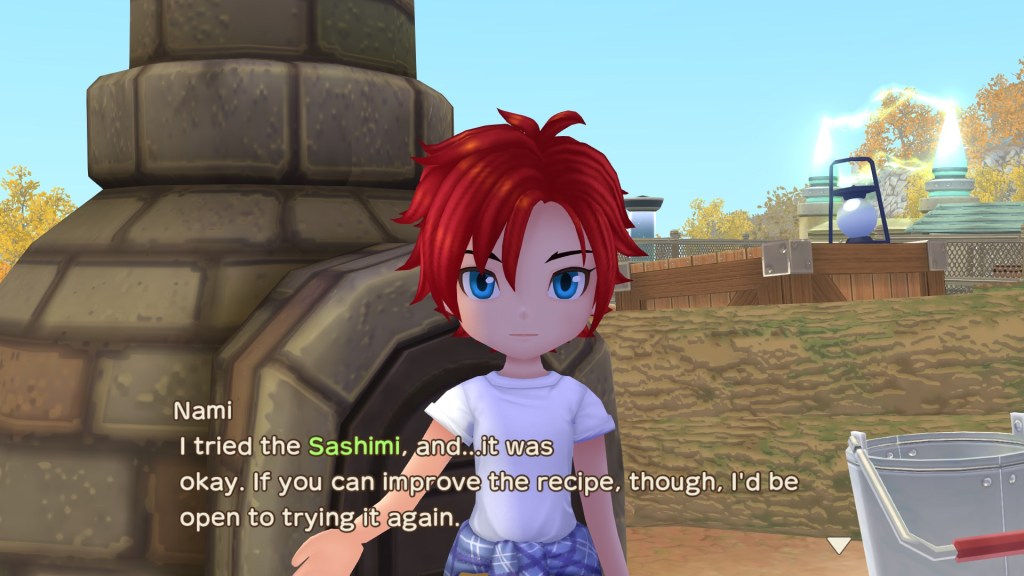
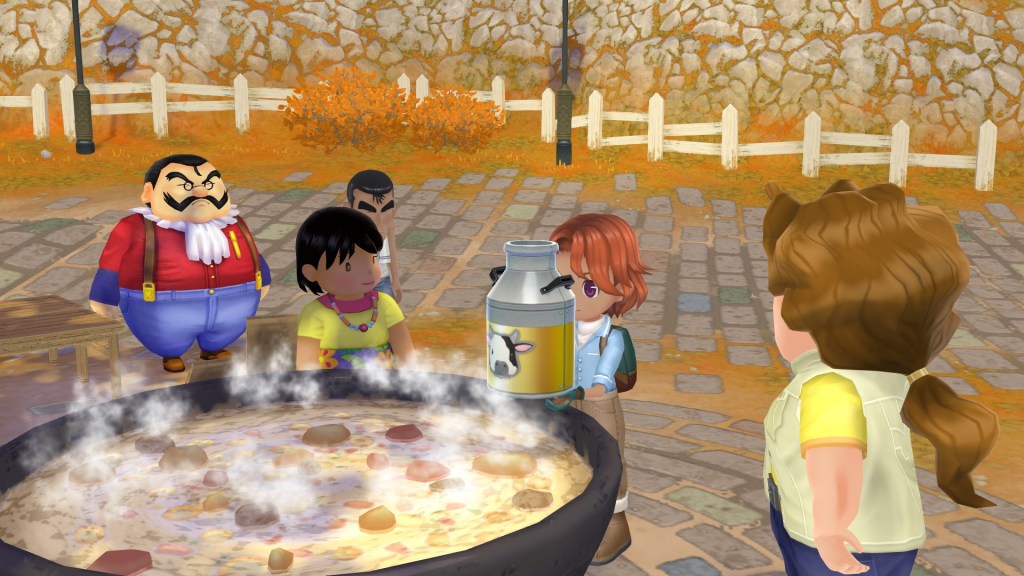
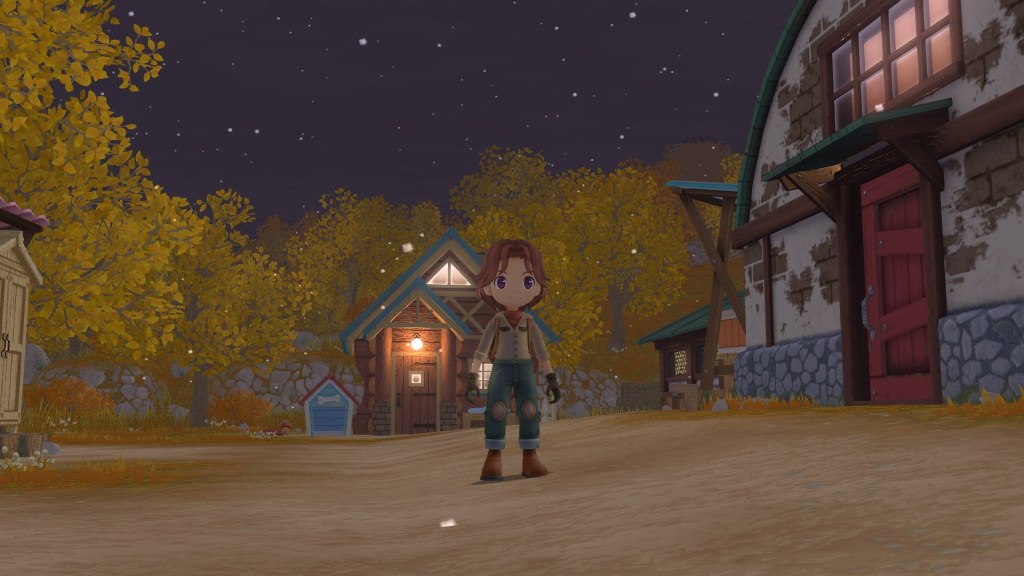
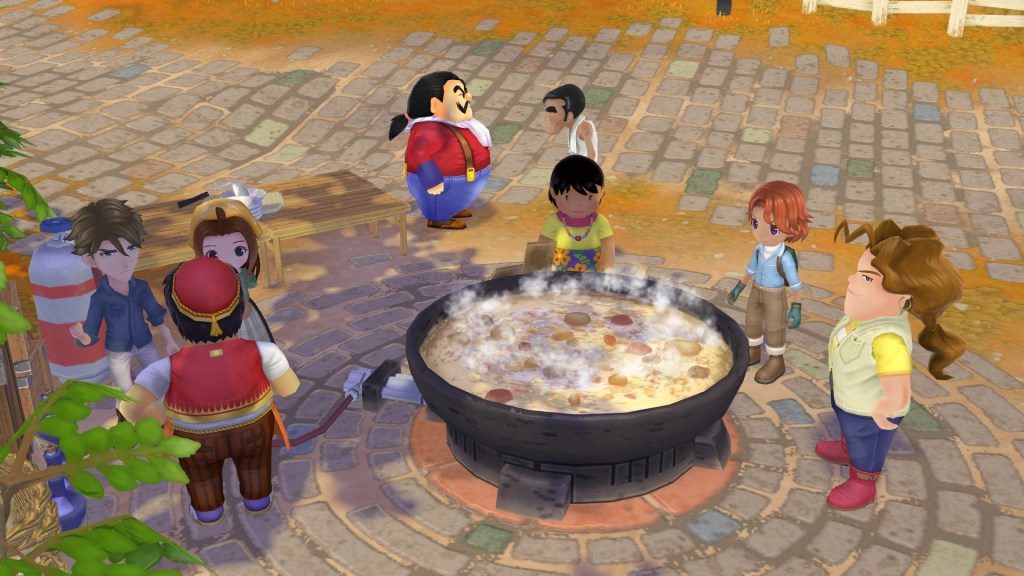
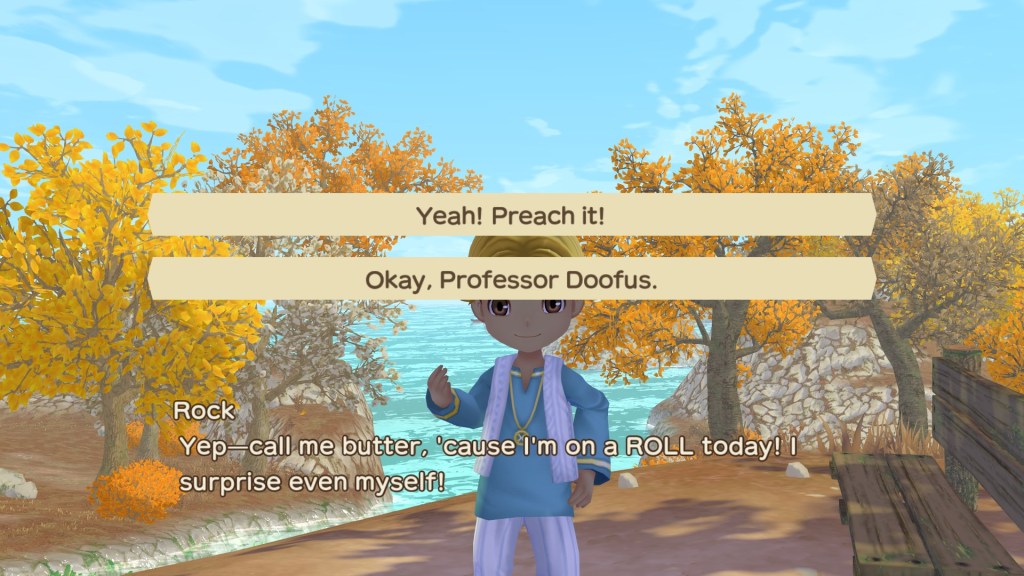
The character and animal models capture expression well and are a joy to look at while you play and meet this amazing cast. The environments around the valley are all very well rendered and give a very cozy vibe that makes you feel at home in this quaint community.
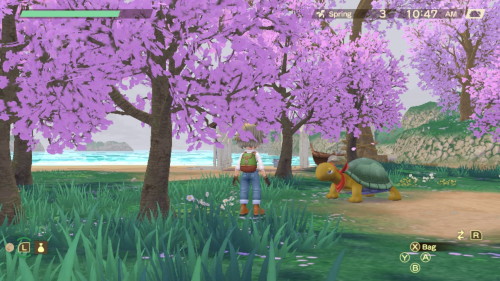
As for the music there’s some real nice spatial audio at play like when you walk up on Gustafa and hear a distinct shift in the music to indicate he’s playing a song, the songs that play throughout the valley are all very enjoyable to listen to and I would love to get my hands on a copy of the soundtrack.
Final Thoughts:
I very much enjoyed my time with Story of Seasons: A Wonderful Life and would be willing to say it’s my favorite of the current generation offerings. The wonderful gameplay experience, awesome graphics and coming of age story offered throughout will keep you coming back till the end. Whether you’re coming into it as a newcomer or a veteran to the unique style of A Wonderful Life you’ll find something here to enjoy.
————————
Hello, and welcome to the PC section of the review for Story of Seasons: A Wonderful Life! I will not only be covering how the game performed two different machines, but also how it performed on the Steam Deck!
Controller Support
The game supports keyboard, mouse, and controller input. With the Steam Input feature the game supports Xbox, PlayStation, Nintendo Switch, and other generic controllers, so if your computer and Steam Input can recognize it, you can use it!
Settings Menu
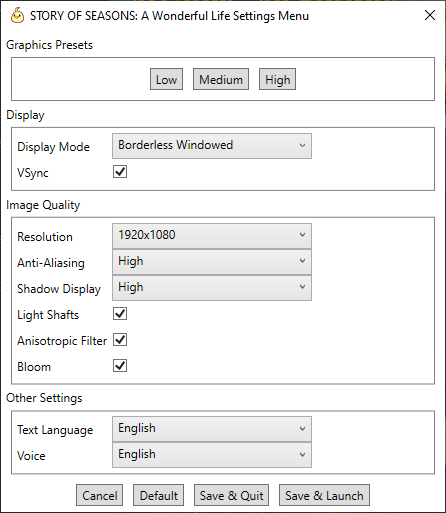
You can change the settings in-game (and if you are running the Steam Deck or another computer running Linux, I recommend you do so) but the game also comes with a separate setting configuration tool! Here you can set which preset you want, or change each graphical and text/voice language setting to your choosing. You can access the menu by selecting the “Launch Controller Layout Tool’’ after hitting the play button on Steam, or by running “SOSAWLLAUNCHER.exe” in the installation folder.


Steam Bonuses
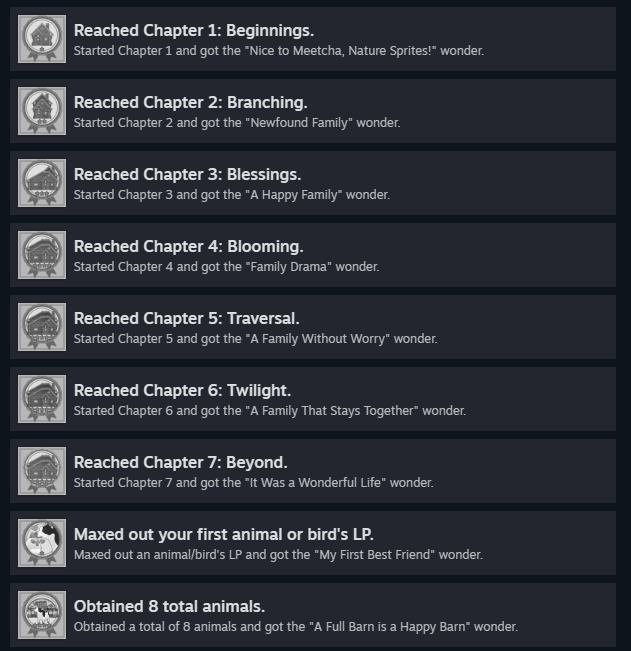
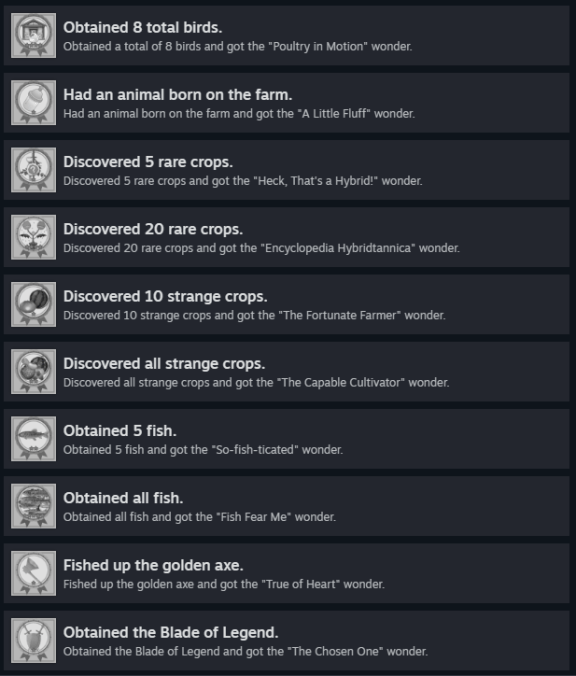
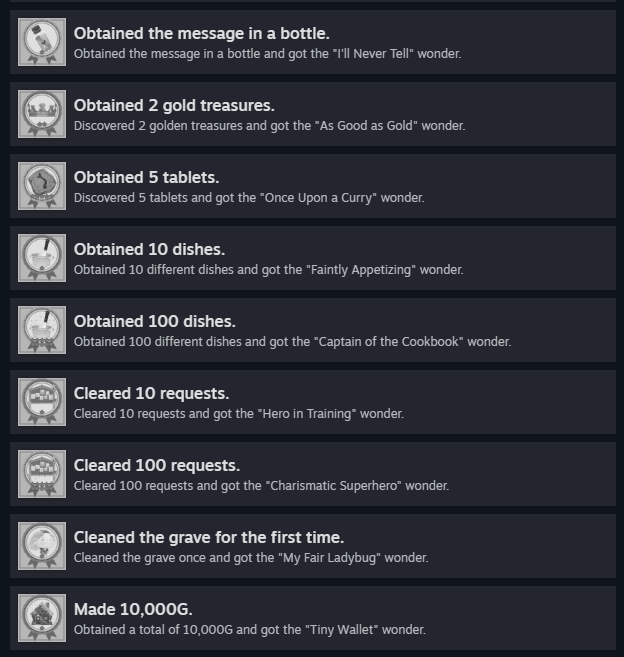
Story of Seasons: A Wonderful Life has a total of 36 Steam Achievements and 10 trading cards, so there’s plenty of things to collect and goals to reach!


How It Ran
Laptop:
CPU: AMD Ryzen 7-Series 3750
GPU: NVIDIA GeForce GTX 1650
Memory: 8 GB
Operating System: Windows 10 Home
I first played a decent amount of the game from my laptop, since I thought that would be a good starting point to get a grasp on how the game would run for those with low-end builds. At first the game was struggling, but with the config tool and laptop plugged in, I was able to figure out how to get the game to run. All I had to do was disable bloom, and afterwards my game ran at a smooth and stable 1080p 60 FPS, even with all high settings.
Desktop:
CPU: AMD Ryzen 7-Series 3700X
GPU: NVIDIA GeForce RTX 3060
Memory: 16 GB
Operating System: Windows 10 Home
This is, of course, stronger than my laptop and the Steam Deck so I don’t have much to say other than it ran great and really smooth on max settings with a 1080p monitor. Players with high-spec computers will likely have no trouble playing this game.
Steam Deck:
Model: 512 GB
Operating System: Steam OS
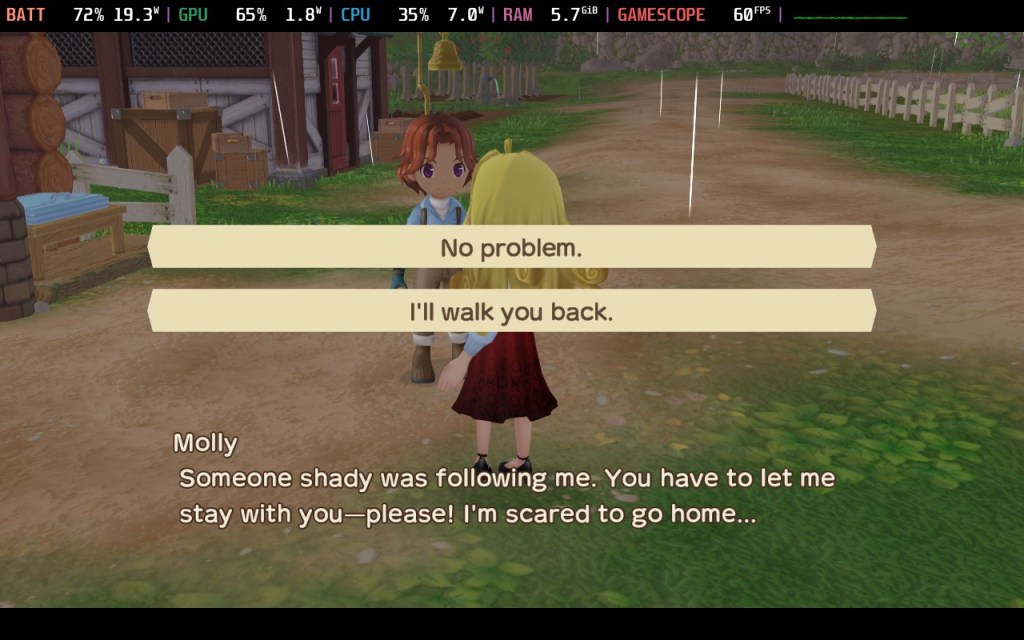
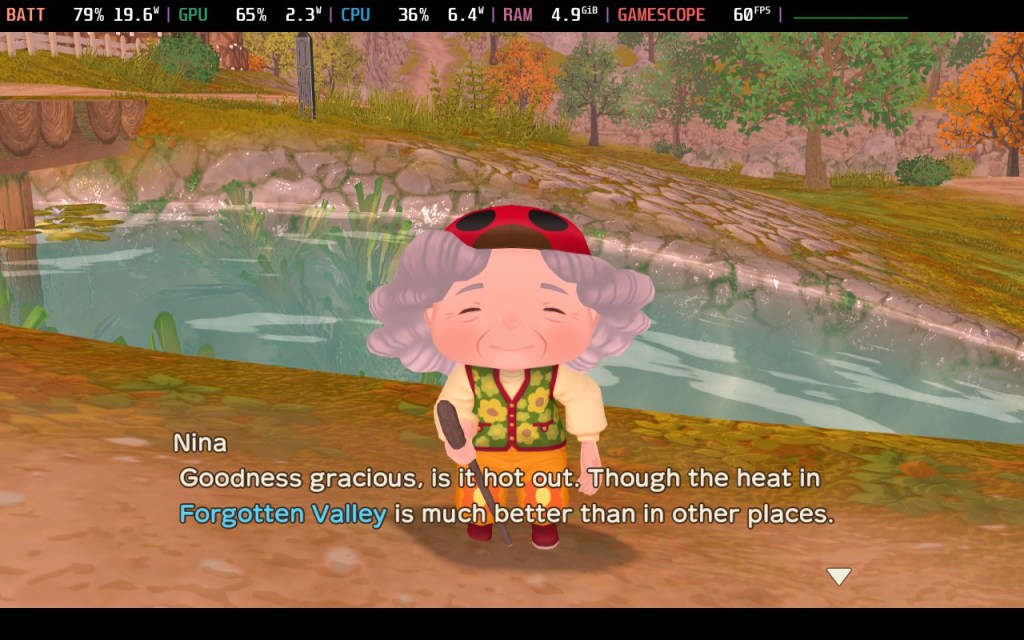
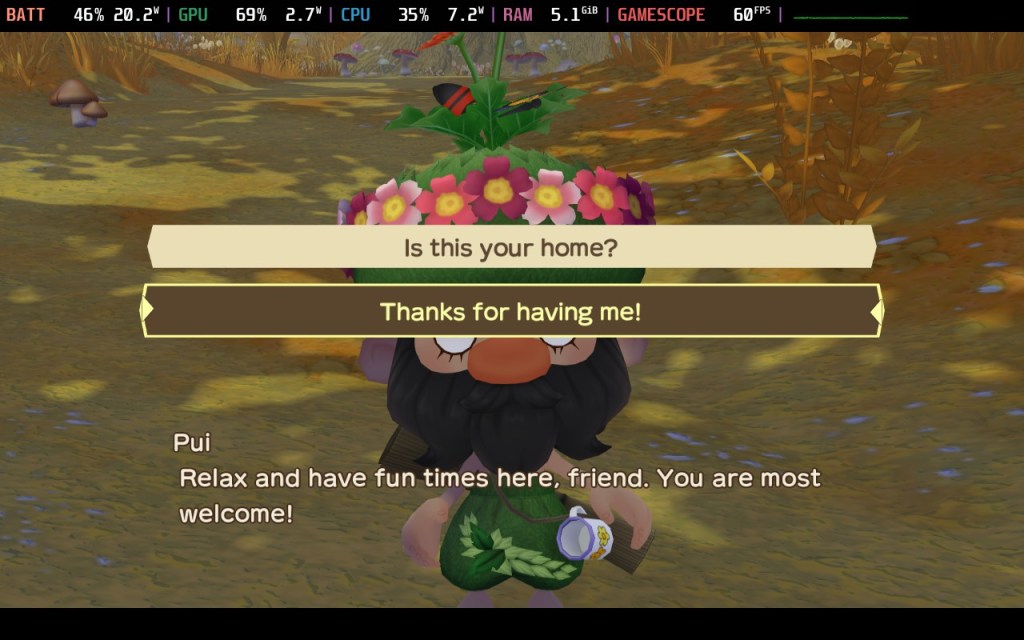
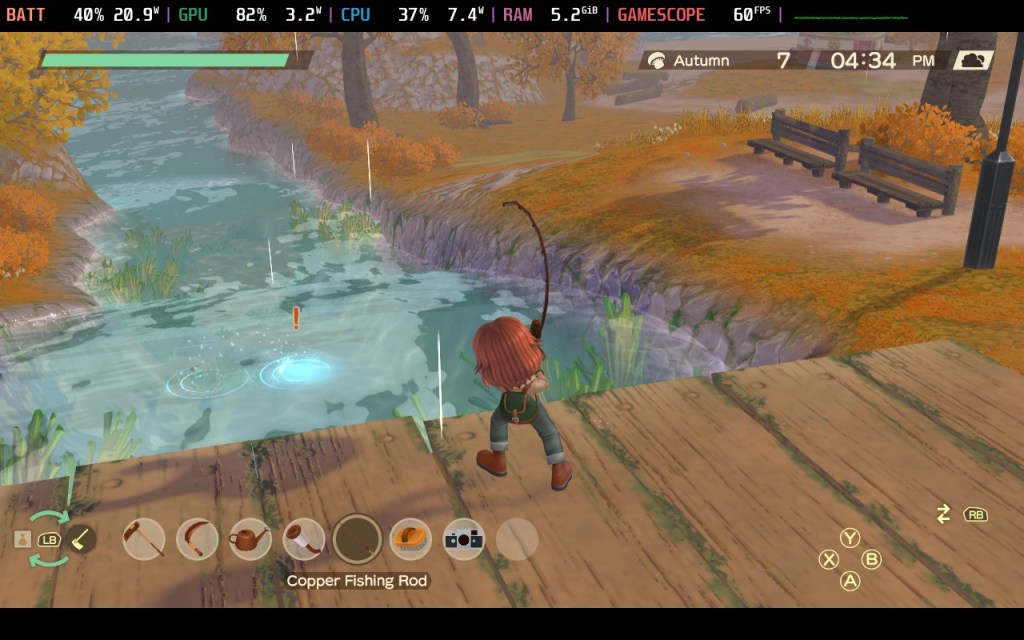
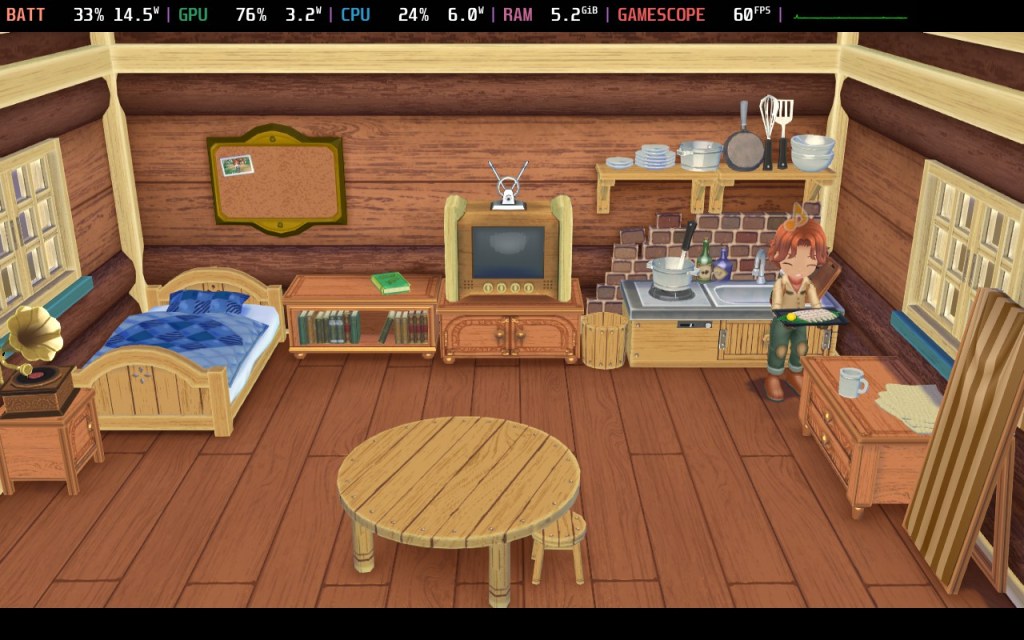
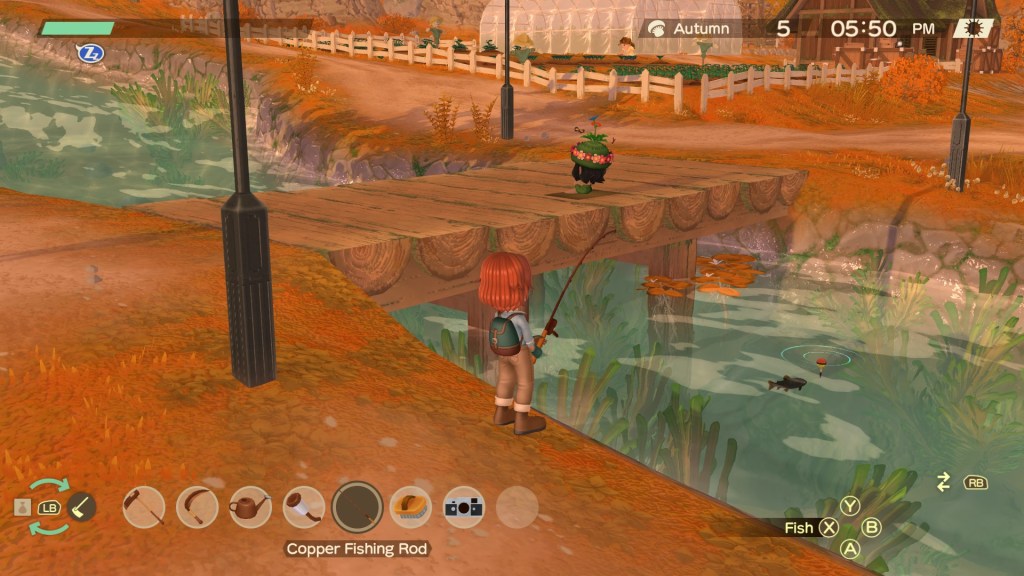
I was so excited when I first booted the game on this machine that I had to take a break because I got so overwhelmed! This game looks amazing on the native 1280×800 resolution of the Steam Deck, even with max settings! The visuals of Forgotten Valley are not only beautiful, but runs smoothly on a mostly stable 60 FPS, with very small FPS dips – so small that had I not had the system monitor turned on, I probably would not have noticed. If that is something that would bother you, I would either run the game on its default settings of medium, or turn off bloom. The game also initially booted on 360p, though this may have been a problem on my end. If this happens to you, make sure to change the resolution to 1280×800 to enjoy a less crunchy, more beautiful experience. But to have this game work wonderfully off of the Steam Deck is an amazing thing and certainly makes riding in the back seat on car trips way more fun!


Steam Cloud Special Mention
Story of Seasons: A Wonderful Life has Steam Cloud support and I have to say, it is an absolute life changer. When I am near my desktop I can go ahead and play on that, but when I’m going to be away from it, I can pull out my Steam Deck, let Steam Cloud sync and all my save files are there as I left it. It’s amazing, especially for a game that was originally a lot less mobile.
Final Thoughts
The PC release is a pleasure to play, being well optimized, with the game only taking up a bit over 1 gigabyte. Menus and gameplay run extremely smooth and are pleasant to the eye, and FPS drops are rare and mostly non visible. I absolutely loved the game itself, but I will let the Veteran and Newcomer reviews speak for themselves. In general, I 100% recommend this game itself and the PC release to anyone who is interested.


 Ranchstory News Blog